


Table of Contents
- Start With the Safest, Simplest Fixes for Flickering Lights
- How to Check Circuit Breaker for Flickering Lights
- Signs of Bad Electrical Wiring Behind the Flicker
- Flicker or Strobe? What Each Pattern Tells You
- When to Call an Emergency Electrician for Flickering Lights
- Frequently Asked Questions
Last Updated: September 10, 2026
Start With the Safest, Simplest Fixes for Flickering Lights
Before you assume the worst: a surprising share of flickering lights trace back to a bulb that isn’t seated all the way. Learning how to fix flickering lights in house starts with cheap, safe checks, not the circuit panel. Below is the diagnostic order a licensed electrician actually uses, from simplest fix to call-for-help.
Flickering lights is a broad symptom, not a diagnosis, it can mean anything from a $3 bulb to a loose neutral wire that’s genuinely dangerous. Work from least to most invasive so you don’t waste money or skip past a real hazard.
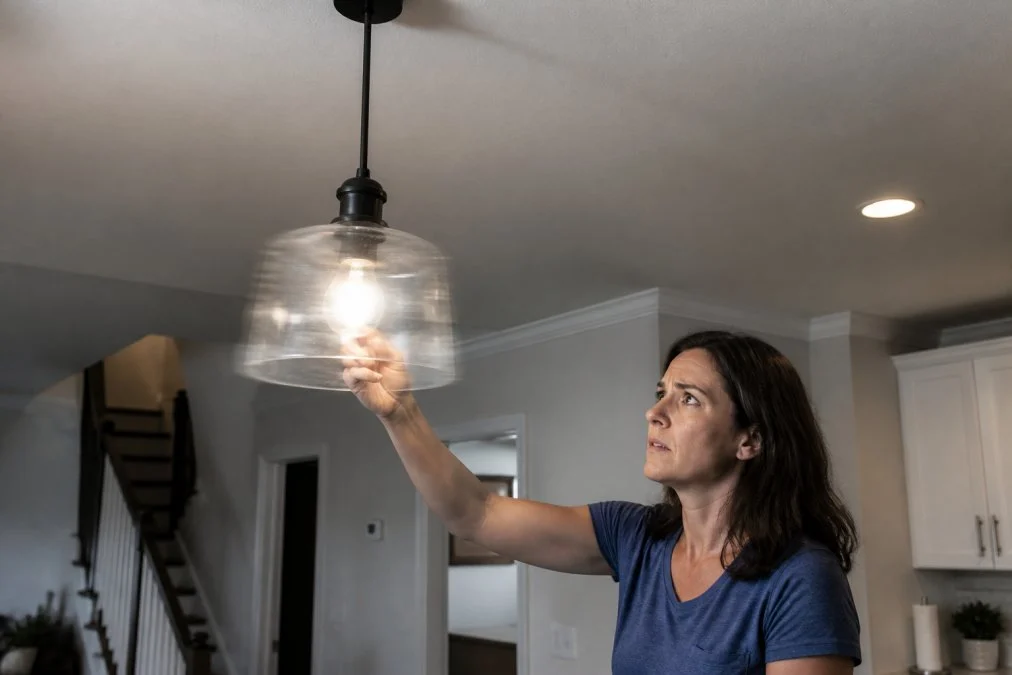
Tighten the Bulb and Test the Fixture Socket
A loose bulb is the most common cause of a flickering light. Vibration, heat cycling, and ordinary wear loosen the bulb’s contact with the socket over time.
Here’s the sequence:
- Turn off the switch and let the bulb cool completely
- Tighten the bulb firmly, but don’t force it past snug
- Turn the power back on and watch for a full minute
- If it still flickers, swap in a known-good bulb
- If the new bulb flickers too, the problem is the socket or wiring, not the bulb
A fixture socket that’s worn, corroded, or has a bent center contact tab can interrupt current even with a good bulb. If you see scorch marks or a blackened tab, stop and call a professional.
What most guides miss: a bulb that flickers only when you bump the lamp or close a nearby door almost always points to a loose socket connection, not a wiring fault. Test it by gently wiggling the bulb while the light is on.
Swap the Bulb and Check LED Compatibility
If tightening didn’t fix it, confirm the bulb itself isn’t the issue. LED compatibility is where many modern flicker problems hide.
LED bulbs are far more sensitive to dimmers and voltage than incandescents. An LED that flickers on a dimmer may work perfectly on a standard switch. Swap the flickering LED for a plain incandescent as a test: if the incandescent is steady, it’s a compatibility problem, not a wiring fault.
How to Check Circuit Breaker for Flickering Lights
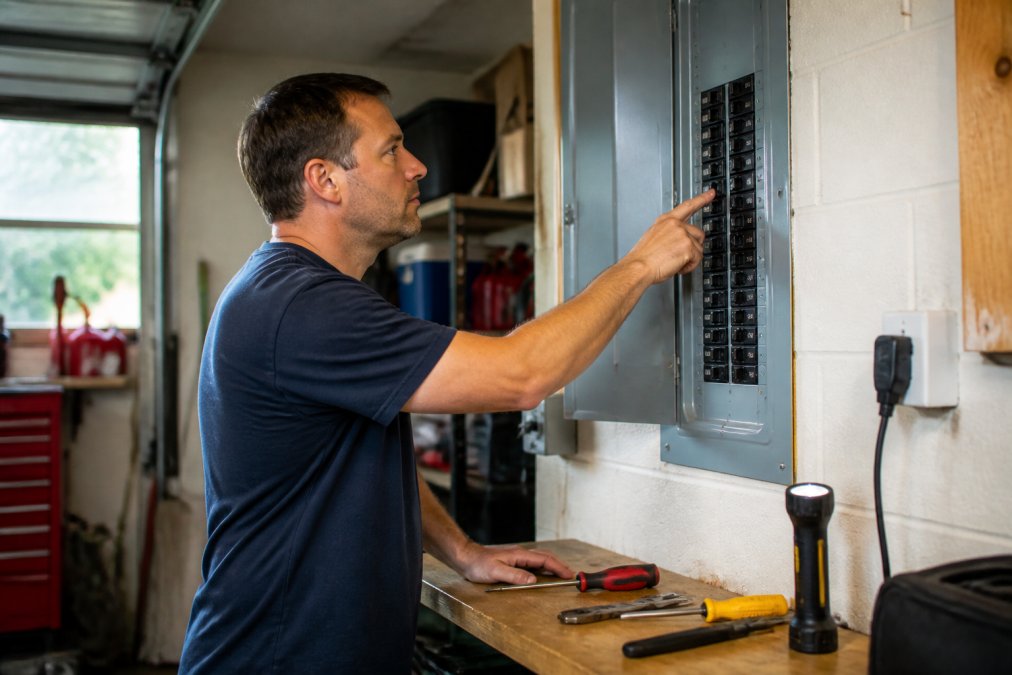
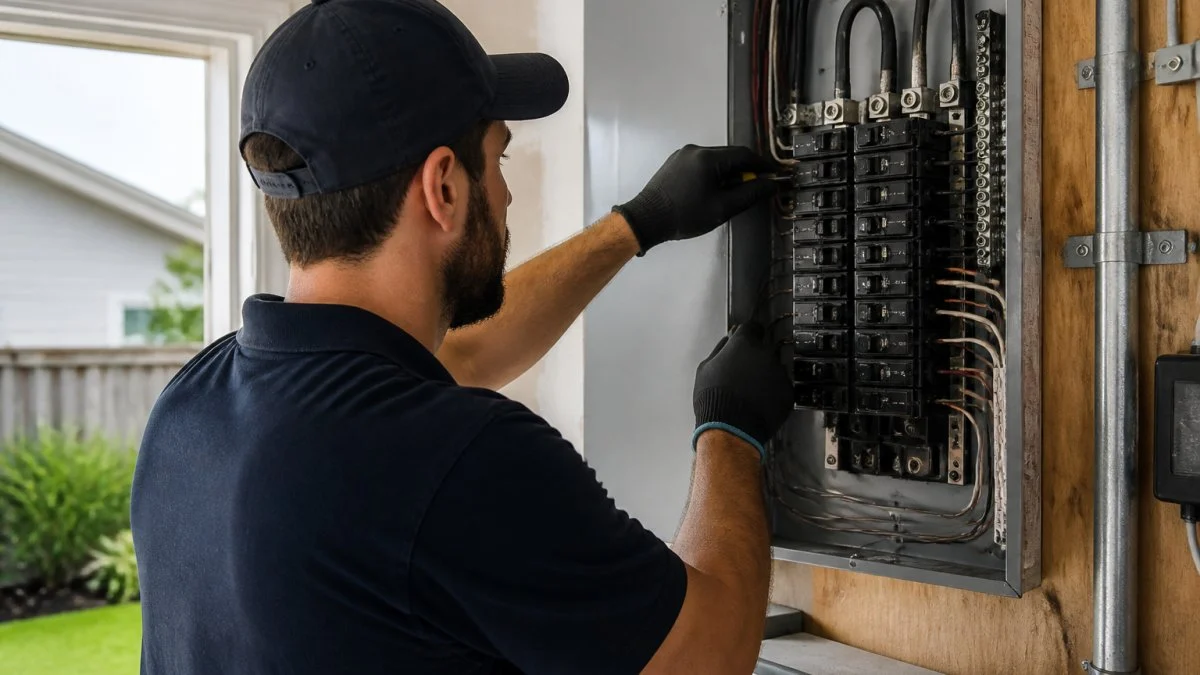
When to check the circuit breaker: if a whole room or a group of lights flickers together, the problem is likely upstream of any single fixture. A circuit breaker that’s failing, loose, or overloaded can cause intermittent flicker across everything on that circuit.
Map the Circuit and Do the Load Math
Identify which breaker controls the flickering lights. Flip breakers one at a time (or use a plug-in circuit tester) until you find it, then label the panel door with a permanent marker, a labeled panel is the most useful thing you can leave for the next person who opens that door.
Do the math instead of guessing: amps × volts = watts. A 15-amp, 120-volt branch circuit is rated for 1,800 watts, but the National Electrical Code treats it as a continuous load and expects you to stay at or below 80%, roughly 1,440 watts, for anything running over three hours (nfpa.org). A 20-amp circuit tops out around 1,920 watts continuous. A 1,500-watt space heater alone eats the entire 15-amp budget, which is why lights dim the instant it cycles on.
Flicker that syncs with an appliance kicking on is the classic signature of an overloaded circuit. If it only happens when the microwave, dryer, or space heater runs, you’ve found it without opening the panel.
Isolate the Breaker Itself
An overloaded circuit and a failing breaker look similar from the hallway but behave differently at the panel:
- Overloaded circuit: breaker trips under load, resets fine when the load is removed, and the flicker stops when the appliance is unplugged.
- Failing breaker: breaker feels warm or hot to the touch, trips at random with no obvious load, buzzes audibly, or has a scorched smell near the panel. The flicker may continue even with nothing plugged in.
- Loose breaker-to-bus connection: the breaker sits slightly proud of the panel or wiggles when you press it. This is a panel-side fault and needs a licensed electrician, do not reseat it yourself.
If you suspect a single breaker, the safe test is a half-split: turn off half the breakers, see if the flicker stops, then narrow to the offending half. Never remove a panel cover unless you’re qualified, the main lugs stay energized even with the main breaker off.
A breaker that trips repeatedly, feels hot, or smells like burning is a real electrical hazard. Don’t reset it over and over hoping it holds. Repeated tripping means the circuit is overloaded or the breaker itself is failing, and both need professional attention. If you see scorch marks on the bus bar or melted insulation on any wire, stop and call an electrician before restoring power.
Watch for a Shared Neutral on Multiwire Circuits
One cause competitors skip: in older homes, two 15-amp breakers sometimes share a single neutral wire in a multiwire branch circuit. If those breakers aren’t on opposite legs of the panel, the shared neutral carries the combined current of both circuits and can overheat, producing flicker on both at once. The tell is two breakers that flicker together though labeled for different rooms. This is a code-compliance issue (they should be tied with a handle tie) and a job for a licensed electrician, not DIY.
Before you call anyone, write down three things: which lights flicker, what else is on in the house when they flicker, and whether the flicker is steady or random. That three-line note cuts diagnostic time roughly in half and often saves a second service visit.
Signs of Bad Electrical Wiring Behind the Flicker
If simple fixes and breaker checks don’t solve it, you’re likely looking at the signs of bad electrical wiring. Some are genuinely dangerous.
Loose Neutral, Voltage Drop, and Aluminum Wiring
Three wiring problems account for most stubborn flicker cases:
- Loose neutral wire. A neutral connection that’s come loose at an outlet, switch, or the panel can cause lights to flicker, brighten, or dim unpredictably. This is a serious fault because a loose neutral can send unstable voltage through your home.
- Voltage drop. When wiring is undersized or a connection is poor, voltage drop causes lights to dim or flicker when other loads turn on. You’ll often notice it when a large appliance starts.
- Aluminum wiring. Homes built in certain decades sometimes have aluminum branch wiring, which loosens and oxidizes over time (cpsc.gov). It needs a trained eye and specific repair methods.
A power surge or utility-side problem can also cause whole-house flicker. If every light flickers simultaneously, the issue may be at the main service line or with your utility service, not inside your walls.
Flicker or Strobe? What Each Pattern Tells You
The pattern of the flicker is a diagnostic clue most people ignore. Flicker and strobe are not the same thing, and the fix depends on whether the bulb is LED or incandescent.
- Flicker is an irregular, wavering change in brightness, often tied to a loose connection, dimmer issue, or load change. It looks like the light is “breathing” or dimming unpredictably.
- Strobe is a rapid, rhythmic on-off pulsing, a steady beat, like a metronome. It’s almost always a sign of an LED bulb or driver that’s incompatible with its dimmer or power source.
- Blink is a single, sharp off-on cycle, usually when an appliance kicks on. That points to a voltage drop or a shared circuit, not the bulb.
If your light pulses in a steady rhythm, suspect the bulb and dimmer first. If it wavers unpredictably, suspect a connection or wiring fault. If it blinks once when the fridge starts, suspect the circuit.
The LED vs. Incandescent Split
This is the fastest way to narrow down your cause: LEDs and incandescents fail in completely different ways.
Incandescent bulbs flicker when the filament is failing, the socket connection is loose, or voltage is genuinely dropping. They’re forgiving of dimmers and don’t care about waveform. If an incandescent flickers, the problem is almost always physical, bulb, socket, or wiring.
LED bulbs are electronics, not filaments. They contain a driver that converts AC to low-voltage DC, and that driver is sensitive to three things incandescents ignore:
- Dimmer compatibility. A dimmer rated for incandescent loads may not have the minimum load an LED needs. Many older dimmers need 40-60 watts minimum; a single 9-watt LED falls below that and strobes (energy.gov). The fix is an LED-compatible dimmer (look for “CL” or “LED” on the box) or adding load.
- Waveform. Cheap LEDs on cheap dimmers produce visible strobe because the driver can’t smooth the chopped waveform. A better bulb or a better dimmer fixes it, usually both.
- Heat. LED drivers degrade with heat. A bulb in an enclosed fixture runs hotter than its rating, and the driver starts to flicker as it fails. If a bulb flickers only after being on for 20+ minutes, heat is the suspect.
The diagnostic test is simple: swap the flickering LED for a plain incandescent bulb. If the incandescent is steady, you’ve confirmed a compatibility or driver problem, not a wiring fault. If it also flickers, the problem is upstream, socket, switch, or circuit.
Smart Home Devices and Dimmer Switch Interference
Smart home device interference is an underrated cause. Smart bulbs, dimmers, plugs, and hubs can all introduce flicker through mechanisms that don’t exist with dumb fixtures:
- Smart bulbs on a dimmed circuit. A smart bulb expects full line voltage. Put one on a legacy dimmer and the dimmer chops the power the bulb’s internal driver needs, the result is a strobe or a bulb that won’t turn on at low dim settings. The fix is to bypass the dimmer (cap the wires, install a standard switch) or use a smart dimmer that’s designed to control the bulb directly.
- Smart dimmers with mismatched loads. A smart dimmer rated for a 150-watt LED load may still flicker at the bottom of its range if the total connected LED wattage is too low. Check the dimmer’s minimum load spec, it’s usually printed on the back of the switch or in the manual.
- Neutral-wire requirements. Many smart switches require a neutral wire in the box. In older homes without one, installers sometimes use the ground as a neutral, which causes flicker and is a code violation. If a smart switch was added recently and flicker started afterward, this is the first thing to check.
- Hub and Wi-Fi interference. Less common, but real: a smart hub or a router on the same circuit as an unshielded LED driver can induce a faint flicker. Moving the hub to a different outlet usually resolves it.
A dimmer switch rated for incandescent bulbs may not work with LEDs at all. Check that your dimmer is LED-compatible and that the total wattage load is within its rated range, both maximum and minimum. A single low-wattage LED can flicker on a dimmer built for higher loads.
If you’ve added any smart device in the last 30 days and flicker started after, unplug or bypass that device first. It’s the fastest test you can run and it costs nothing.
A Quick Decision Tree
Use this order to avoid chasing the wrong cause:
- Steady strobe, LED bulb, on a dimmer? → Dimmer/bulb compatibility. Swap bulb or dimmer.
- Steady strobe, LED bulb, on a standard switch? → Failing LED driver. Replace the bulb.
- Irregular flicker, any bulb type? → Loose connection. Check bulb, socket, then switch.
- Flicker only when an appliance runs? → Circuit overload or voltage drop. See the breaker section above.
- Flicker started after a smart device install? → Smart device interference. Bypass the device and retest.
- Whole-house flicker, any pattern? → Utility or main service issue. Call the utility first, then an electrician.
Working in this order keeps you from replacing a fixture when the real problem was a $12 dimmer, or missing a loose neutral because you assumed it was the bulb.
When to Call an Emergency Electrician for Flickering Lights
Call an emergency electrician when flickering comes with any of these red flags: a burning smell, buzzing or crackling sounds, scorch marks, a breaker that won’t reset, or whole-house flicker. Those point to a fault that can start a fire.
For everything else, a standard service call is the right move. A licensed electrician can trace the circuit, test connections, and find the root cause instead of guessing. Accurate Electric LLC brings over 31 years of combined industry experience to troubleshooting, panel work, and code-compliant repairs.
The safest rule: if you’ve tightened the bulb, swapped it, and checked the breaker, and the flicker remains, stop testing and get a professional diagnosis. Persistent flicker is your home telling you something upstream needs attention.
Frequently Asked Questions
Do flickering lights indicate an electrical problem?
Sometimes, but not always. A single flickering bulb is often just a loose bulb or a dimmer switch that isn’t compatible with LED bulbs. When multiple fixtures on the same circuit flicker together, or the flicker comes with a buzzing sound, that points to a loose neutral connection, voltage drop, or a failing circuit breaker. Those are the cases worth having a licensed electrician inspect before the problem grows.
Is it safe to leave flickering lights on?
It depends on the pattern. A bulb that flickers because it’s loose in the socket is low risk, and tightening it usually solves the problem. But if the flicker is constant, affects several rooms, or comes with a burning smell or warm switch plate, turn the circuit off at the breaker and leave it off. Those are signs of bad electrical wiring and can lead to arcing, which is a fire hazard.
Can it be a breaker issue if the light flickers?
Yes. A circuit breaker that is failing, undersized for the wattage load, or loose at its terminal can cause lights on that circuit to dim or flicker when appliances cycle on. To check, note which outlets and lights share the circuit, then watch whether the flicker happens when the refrigerator, HVAC, or microwave starts. If it does, the breaker or the load distribution needs a closer look.
When should I call an electrician for flickering lights?
Call a licensed electrician if the flicker affects multiple rooms, happens when no appliance is running, or repeats after you’ve tightened and replaced the bulbs. You should also call if you see scorch marks, smell burning, hear buzzing at the panel, or have aluminum wiring. Any of those point to a wiring integrity problem that a homeowner can’t safely diagnose or repair.
Flickering lights are rarely just an annoyance. They’re often the first warning of a loose connection, an overloaded circuit, or wiring that’s due for an upgrade, and ignoring them rarely makes the problem go away. Accurate Electric LLC offers licensed, insured electricians, code-compliant solutions, and specialized troubleshooting backed by decades of combined experience. Get started with Accurate Electric LLC and get a clear diagnosis that turns a flickering mystery into a safe, permanent fix.












continue reading
Related Posts
Lights dim when AC starts: Learn why your lights dim when the air conditioner starts, what causes voltage drop, and when to call an electrician for help.
Compare top electrical panel brands for 2026. Find reliable options for residential upgrades, smart integration, and safety compliance.
Understand electrical panel upgrade timelines, costs, and what to expect. Learn permitting, inspection, and factors that affect duration.
Get Social